
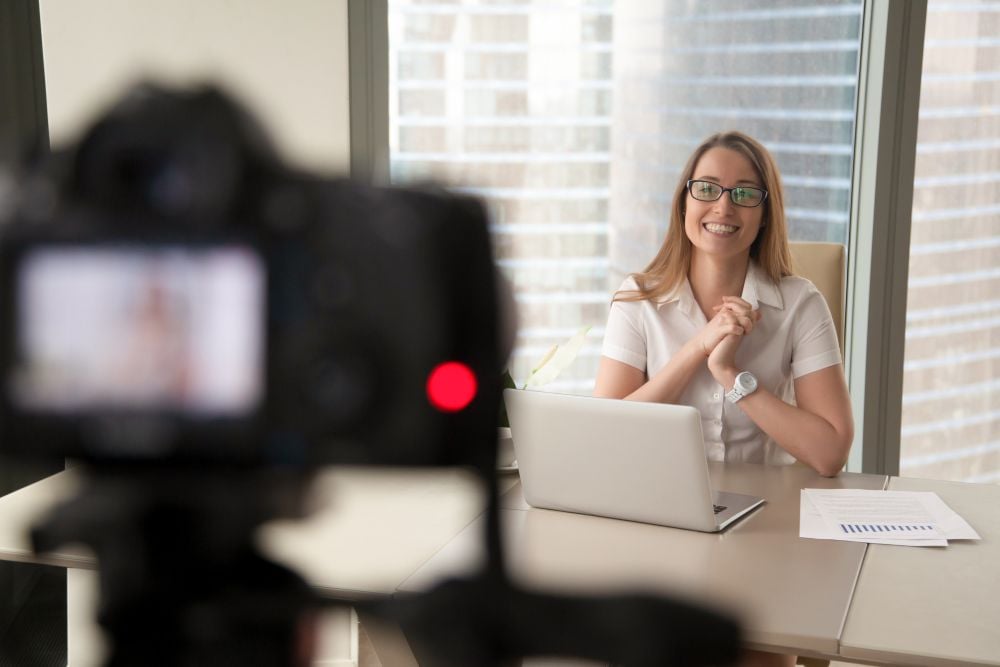
Most agents I talk to aren’t short on ideas. They’re short on time. They know they should post neighborhood videos and send useful emails, but every week starts from zero: What do I post today?
The fix I recommend to almost every agent I work with is to build a neighborhood content library once, then pull from it for years. You plan one set of short videos and posts about the areas you actually serve. You shoot it all in a single batch day and organize it so you can find anything in seconds. Then you reuse it everywhere.
Here in Las Vegas, that might mean one library for Summerlin and another for Henderson. The framework works the same in any market.
Step 1: Pick your neighborhoods and your angles
Start small. Choose two or three neighborhoods where you want more business. For each one, write down the questions buyers and sellers actually ask you. Those questions become your content plan.
Here’s a solid set of angles for each neighborhood:
- The overview: “What it’s like to live in Summerlin, in 60 seconds.”
- Daily life: Coffee shops, grocery stores, gyms and the morning commute.
- Outdoors and recreation: Parks, trails, golf and community pools. In Summerlin, that’s the trail system and quick access to Red Rock Canyon. In Henderson, it might be the parks and the Water Street District.
- Housing types: What you get at different price points, HOA vs. non-HOA, and new construction vs. established streets.
- Lifestyle fit: Commute times, home sizes and amenities that matter to first-time buyers, move-up buyers, downsizers or remote workers.
- Local gems: A favorite restaurant, a farmers market or a seasonal event.
- Myth vs. fact: A common misconception about the area, and the reality.
Aim for about 10 to 15 pieces per neighborhood. That feels substantial without turning the shoot into a marathon.
One note on compliance: talk about amenities, lifestyle and housing, not about the kind of people who live somewhere. Don’t editorialize about school quality or safety. Point people to official sources instead, and follow your brokerage’s fair housing guidance.
Step 2: Plan your batch day
Instead of filming one video a week, you knock out a whole neighborhood (or two) in one session.
Before the day:
- Write a shot list for every location, in driving order, so you’re not zig-zagging across town.
- Draft bullet points for each video. Keep it conversational, with no more than three talking points per clip.
- Plan around light and weather. In Las Vegas, that means shooting early in the morning or at golden hour, especially in summer. In your market, it might mean working around rainy season or short winter days.
- Ask permission before filming inside a business. Many owners will happily share the post.
- Pack the basics: your phone, a small tripod or gimbal, a clip-on mic, a spare battery and a couple of outfit changes.
On the day:
- Film each talking-head segment, then grab plenty of B-roll: entrances, street scenes, parks, storefronts and sunsets. B-roll is the secret weapon. You’ll use it for years.
- Shoot vertical for Reels and Shorts. When you can, grab a horizontal version of your key clips for YouTube and presentations.
- Take still photos at every stop. They become carousel posts, email images and Google Business Profile updates.
Step 3: Organize and tag the library
A library you can’t search is just a camera roll. Set up a simple folder structure in Google Drive, Dropbox or whatever you already use:
Neighborhood > Content type > Topic
For example: Summerlin > Video > Parks-and-Trails or Henderson > Photos > Dining.
Name your files consistently, such as neighborhood_topic_format_date. A Reel shot at Red Rock would be summerlin_red-rock_reel_2026-03.mp4. Then keep a simple spreadsheet with columns for file name, neighborhood, topic, format, length, where it’s been used and a “refresh by” date. That last column keeps the library alive.
Tag each piece by audience, too (buyers, sellers, relocation or investors), so you can pull the right pieces for any client in a minute.
Step 4: Repurpose it everywhere
This is where one batch day turns into months of content.
Listing presentations: Open with a 60-second neighborhood video. Sellers want to know you understand their area and can sell the lifestyle, not just the square footage. Show them the clips you’ll use to market their home.
Email: Build a “Neighborhood Spotlight” series. Each email features one video, one photo and a few lines of useful local info. Send it to your sphere, and set up a relocation drip for out-of-area leads. Buyers relocating to Las Vegas from out of state love touring Henderson from their couch before they ever book a flight.
Instagram and Reels: Post the short videos as Reels and turn your photos into carousels, like “5 Places to Grab Coffee in Summerlin.” Put text-on-screen tips over your B-roll. Use Stories for quick polls, like “Have you hiked this trail?”
YouTube: Stitch the short clips into longer guides, such as “Living in Henderson, NV: The Complete Guide.” That’s the kind of video people search for when they’re seriously considering a move. Post your vertical clips as Shorts, too.
Google Business Profile: Upload photos and short videos, and use posts to spotlight a different neighborhood each week. It’s an underused way to show up in local search, and once your library exists, it takes just minutes.
Everywhere else: Loop a video on a TV at open houses, embed clips on your listing pages and community pages, and text a relevant clip to buyers after a showing.
Step 5: Keep it fresh
Evergreen doesn’t mean forever. Once or twice a year, review your spreadsheet:
- Retire anything outdated, like closed businesses or finished construction.
- Re-shoot your best performers with updated information.
- Add one or two new pieces per neighborhood each quarter, like a new restaurant, a seasonal event or a new development.
- Cut existing B-roll into quick market updates so they look polished without a full shoot.
One more tip: keep prices and interest rates out of your core videos. Put those numbers in captions and emails, where they’re easy to update.
Your starter checklist
• Pick two or three neighborhoods you want to own.
• List 10 to 15 buyer and seller questions for each.
• Turn those questions into a shot list, in driving order.
• Schedule one batch day and check the light and weather.
• Pack your phone, tripod, mic, spare battery and outfit changes.
• Film talking heads, B-roll and still photos.
• Set up your folders, file names and tracking spreadsheet.
• Plan month one: a weekly Reel, a weekly Google Business Profile post and a spotlight email.
• Add a neighborhood video to your next listing presentation.
• Put your first refresh date on the calendar.
You don’t need to be on camera every day to look like the local expert. You need one good day of planning and shooting, and a system to use what you capture. Build it once, and let it work for you for years.